Files — import, export & 23andMe
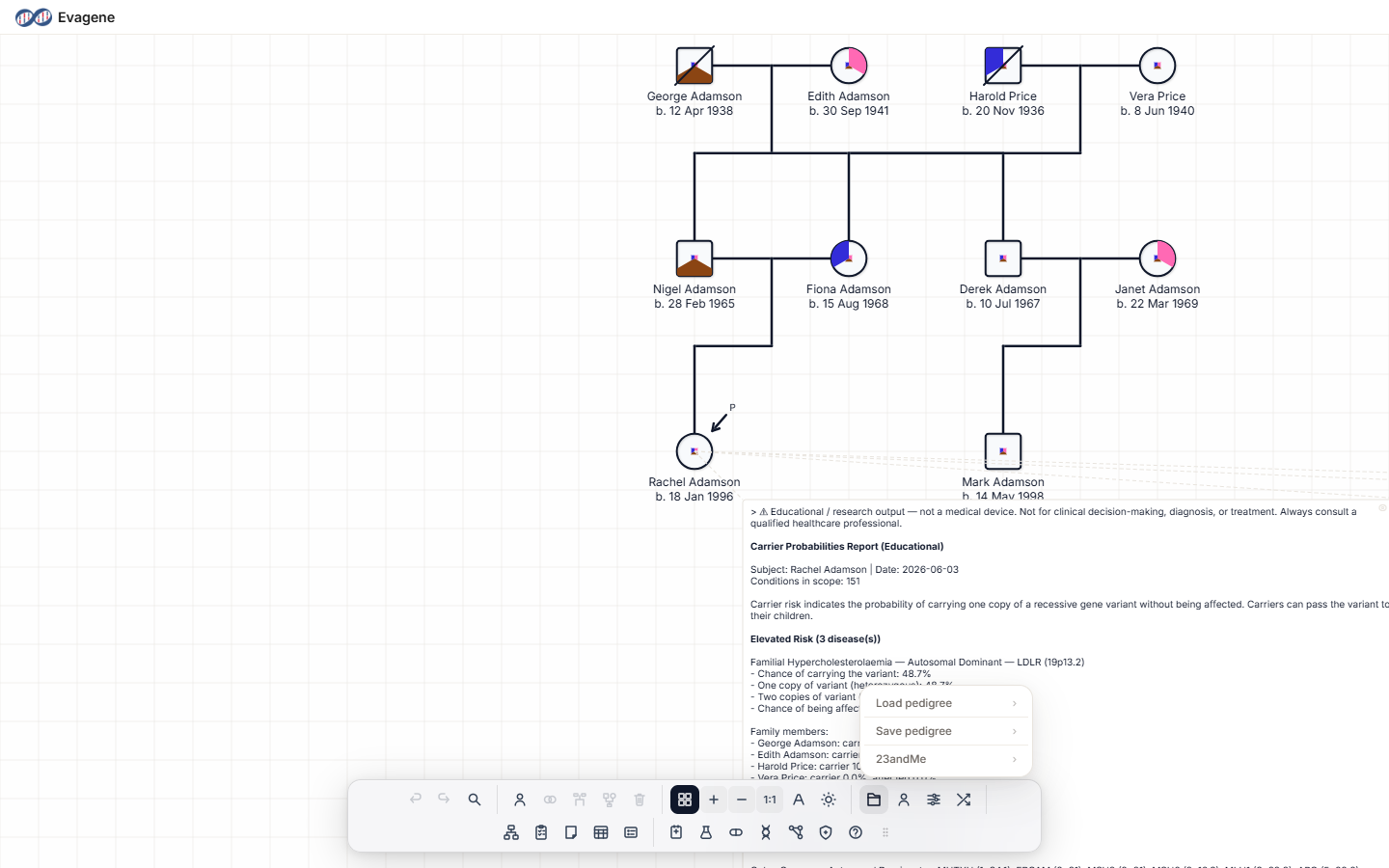
Load and save pedigrees, exchange GEDCOM, export images and documents, and import 23andMe data — all from the File operations menu. Click the folder icon in the dock to open it; it has three submenus: Load pedigree, Save pedigree, and 23andMe.
In this section
Three pages cover everything under the File operations menu, plus a pointer to the CanRisk / BOADICEA pedigree export, which lives with the risk-analysis tools.
Import
Evagene · GEDCOM · XEG · ImageBring in an existing family from an Evagene file, GEDCOM, XEG, an image, or a 23andMe family tree, either as a new pedigree or added to the current one.
Export
Evagene · GEDCOM · Image/PDF/DOCXSave your Evagene file, share GEDCOM, and export a picture or document of the pedigree using the Export Pedigree dialog.
23andMe
Family tree · DNA relatives · Genotype · Phenotype · Computed · AncestryBring a 23andMe download into a pedigree: family tree, DNA relatives, and per-person genotype, phenotype, computed, and ancestry data.
CanRisk / BOADICEA export
Covered under Risk analysisThe ##CanRisk 2.0 pedigree export is an off-platform file exchange for upload at canrisk.org. It is documented with the risk-analysis tools, not here.
About Evagene. Evagene is an academic, research, and educational pedigree modelling platform. It is not a medical device and is not intended to diagnose, prevent, monitor, predict, treat, or manage disease, or to determine eligibility for screening, testing, referral, or treatment, or to replace professional clinical judgement. Outputs are illustrative and for educational / research purposes only.