Getting started
Evagene user guide
A click-by-click tour of the Evagene editor, organised around the floating dock. Every section below has its own page with a worked example you can follow on your own pedigree. This guide assumes you understand the genetics; it does not assume you have used Evagene before.
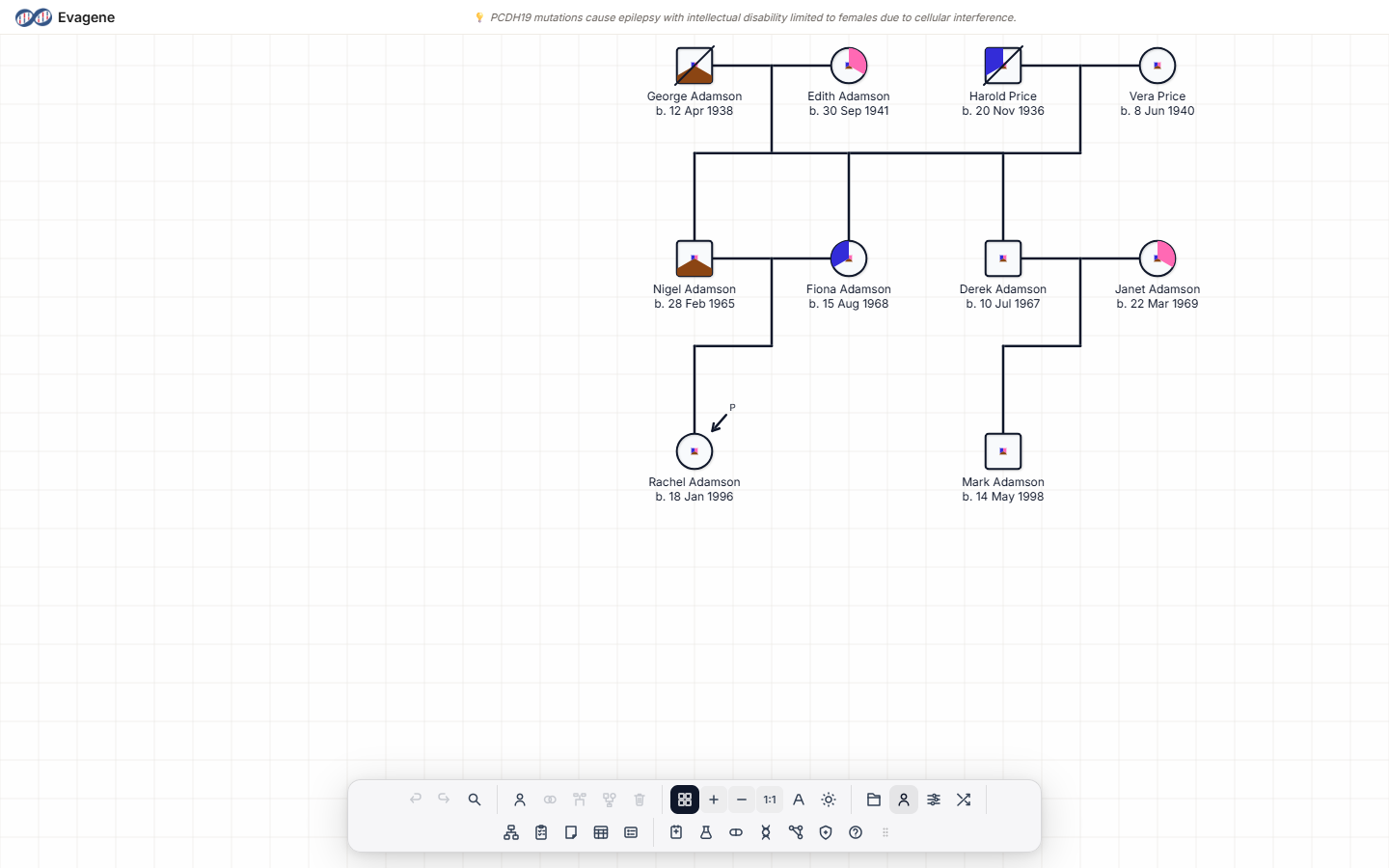
The three things on screen
Open a pedigree and you are looking at three elements. Understand these and everything else follows.
1. The canvas
The drawing surface. You add individuals, connect them into families, and select them here.
2. The dock
The floating toolbar. Its buttons are grouped: edit, view, file, structure, and the clinical & genetics catalogues. Drag the grip to reposition it.
3. The panels
Floating windows opened from the dock. Every panel is draggable and resizable from any edge or corner, and its dock icon highlights while it is open.
Tour of the dock
The dock reads left to right in groups. Each group maps to a page in this guide.
Canvas basics — edit & context actions
Undo · Redo · Find · Add · Marry · Siblings · Parents · DeleteAdd your first individual, select people, connect them into a family, undo mistakes, and find anyone by name.
View & layout
Grid · Zoom · Font · Dark mode · Auto-arrangeSnap to a grid, zoom, set the label font, switch to dark mode, and auto-arrange a tangled tree.
Pedigree builder
Drag-and-drop family constructionBuild a family quickly with relationship-aware shortcuts: spouse, children, siblings, parents, grandparents, twins.
Family history questionnaire New
Guided intake · builds the pedigree for youAnswer a short, step-by-step questionnaire and Evagene turns it into a pedigree. Educational data capture, not a medical assessment.
Individual properties
Identity · Clinical · Dates · Contact · ConsentThe main editing panel for a person: names, biological sex, mortality and affection status, dates, and more.
Pedigree & relationship properties
Pedigree-level settings · Consanguinity · EventsName the pedigree, toggle consanguinity coefficients, and edit a couple's relationship and events.
Family register (grid view)
Sortable table · Bulk edits · VisibilityA spreadsheet view of everyone in the pedigree for fast edits, sorting, and showing or hiding branches.
Files — import, export & 23andMe
Evagene · GEDCOM · XEG · Image · PDF/DOCX · 23andMeLoad and save pedigrees, export images and documents, and import 23andMe data. Includes the CanRisk / BOADICEA bridge.
Disease catalogue
230+ diseases · Assign to individualsAdd diseases to your pedigree's working set, then assign them to individuals with affection status and manifestations.
Investigations Manager (formerly Tests Manager)
Clinical test types · ResultsRecord clinical investigations with reference ranges, LOINC codes, and results on individuals.
Interventions
Treatments · Dose · Status · ProphylacticTrack treatments and interventions on an individual: dose, frequency, dates, and disease association.
Genetics — markers, karyogram, karyotype, ancestry
Blade navigation · Genome drill-downDefine markers, record genotypes, view the karyogram, set a karyotype, and record ancestry proportions.
Related concepts
Educational correlation graphExplore educational associations between recorded concepts. Reference data — not risk analysis or diagnosis.
Risk analysis
20 models · Illustrative / educationalRun the published risk models on your pedigree for teaching and research. Outputs are illustrative, not clinical recommendations.
A suggested first session
If this is your first time, work through these five pages in order. Twenty minutes end to end, and you will have built, annotated, and explored a small family.
- 1Canvas basics — draw your first three individuals and connect them.
- 2Individual properties — fill in names, sex, and dates.
- 3Disease catalogue — add a disease and mark an affected relative.
- 4Risk analysis — set a proband and run one model.
- 5Export — save your work and export an image.
About Evagene. Evagene is an academic, research, and educational pedigree modelling platform. It is not a medical device and is not intended to diagnose, prevent, monitor, predict, treat, or manage disease, or to determine eligibility for screening, testing, referral, or treatment, or to replace professional clinical judgement. Outputs are illustrative and for educational / research purposes only.